

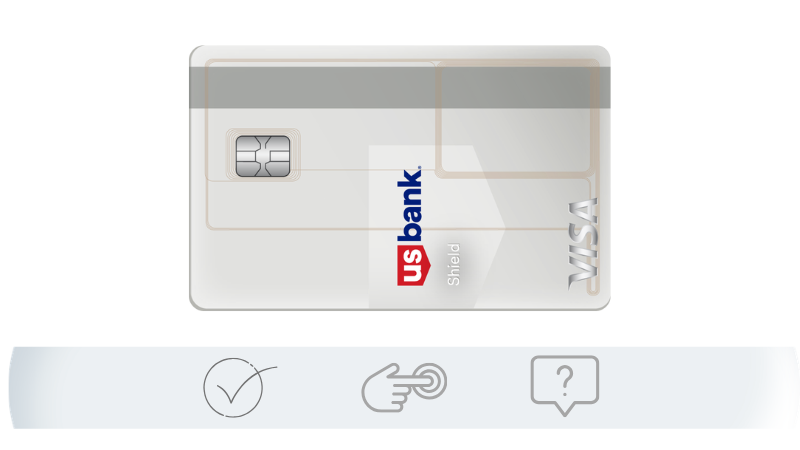
If there’s one thing that should be clear after learning about the U.S. Bank Shield Visa Card, it’s this: it’s not just a credit card, it’s a strategic tool to regain control of your financial life.
But here’s the part many people overlook: understanding the benefit is only the beginning. What truly makes a difference is knowing how to access and use this resource the right way.
If you’ve already realized that you can:
- drastically reduce interest
- organize your finances more clearly
- create a real plan to get out of debt
Then the next step is inevitable, because those who understand the strategy but don’t take action stay in the same place. On the other hand, those who apply it with intention begin to change their financial reality.
Best Practices for Using the Shield Visa Credit Card
- Prioritize paying off the transferred balance
- Avoid cash advances
- Don’t accumulate unnecessary new debt
- Track your progress monthly
Requirements to Apply for the U.S. Bank Shield Visa Card
- Minimum age: 18
- U.S. residency
- Social Security Number (SSN) or ITIN
- Established credit history
- Verifiable income (it doesn’t need to be high, but it should be consistent)
Ideal Approval Profile
While not officially disclosed, the most commonly approved profiles include:
- Credit score starting at 600+
- Low current debt level
- History of on-time payments
Step-by-Step: How to Apply Online
The easiest way to apply for the Shield Visa Card is directly through the official U.S. Bank website.
1. Go to the official card page
Search for the card name on the U.S. Bank website and access its dedicated page.
2. Click “Apply Now”
This will start the application form.
3. Fill in your personal information
You’ll need to provide:
- Full name
- U.S. address
- SSN or ITIN
- Date of birth
4. Enter your financial information
This includes:
- Annual income
- Employment type
- Estimated monthly expenses
5. Review and submit your application
After reviewing everything, submit the form.
- In many cases, you’ll get an instant decision
- In others, the bank may request additional verification
- If approved, the card typically arrives within 7 to 10 business days
How to Contact U.S. Bank

📞 1-800-872-2657
How to Lock or Freeze Your Card
If you lose your card or suspect unauthorized use:
- Open the app
- Go to card settings
- Tap “Lock Card”
This immediately stops any attempted transactions.
FAQ

Can I use my U.S. Bank card outside the United States?
Yes, but international fees may apply. It’s also important to notify the bank before traveling to avoid blocks.
Is there an easy-to-get U.S. Bank credit card?
Cards focused on rebuilding credit tend to be more accessible. The Shield Visa requires a mid-level profile.
Who issues U.S. Bank credit cards?
They are issued directly by U.S. Bank, one of the largest financial institutions in the United States.
Why was my U.S. Bank card declined even though I have available credit?
This may happen due to security concerns, unusual transactions, input errors, or temporary blocks. Check the app or contact the bank.
My card isn’t working. What could it be?
Possible reasons include lack of activation, preventive blocking, insufficient credit limit, or a technical issue. The fastest solution is through the app.
Which U.S. Bank card is best right now?
It depends on your goal. The Shield Visa is ideal for reducing interest, while other cards may focus on cashback or travel.
Why did I receive a U.S. Bank card without applying?
It could be a pre-approved offer or related to an existing account. Always confirm with the bank before activating.
Does the card work in Canada or other countries?
Yes, it generally works internationally, especially since it’s a Visa card.
Why is my card being declined for online purchases?
It could be due to security issues, incorrect billing address, or international restrictions. Double-check your details and try again.
What should I do if my U.S. Bank debit card isn’t working?
Check your balance, activation status, and possible blocks. If the issue continues, customer support can resolve it quickly.
How to Add the Card to Apple Pay
After activation, you can add your card to your digital wallet:
- Open the Wallet app on your iPhone
- Tap “Add Card”
- Scan or enter your card details
- Confirm using the code sent by your bank
You will be redirected to the bank’s website.
